Snap a few photos of anything you want to sell. Sell My Stuff AI writes the listing, prices it, and puts it up on eBay for you.
Download on the App Store Free · iPhone · US eBay accounts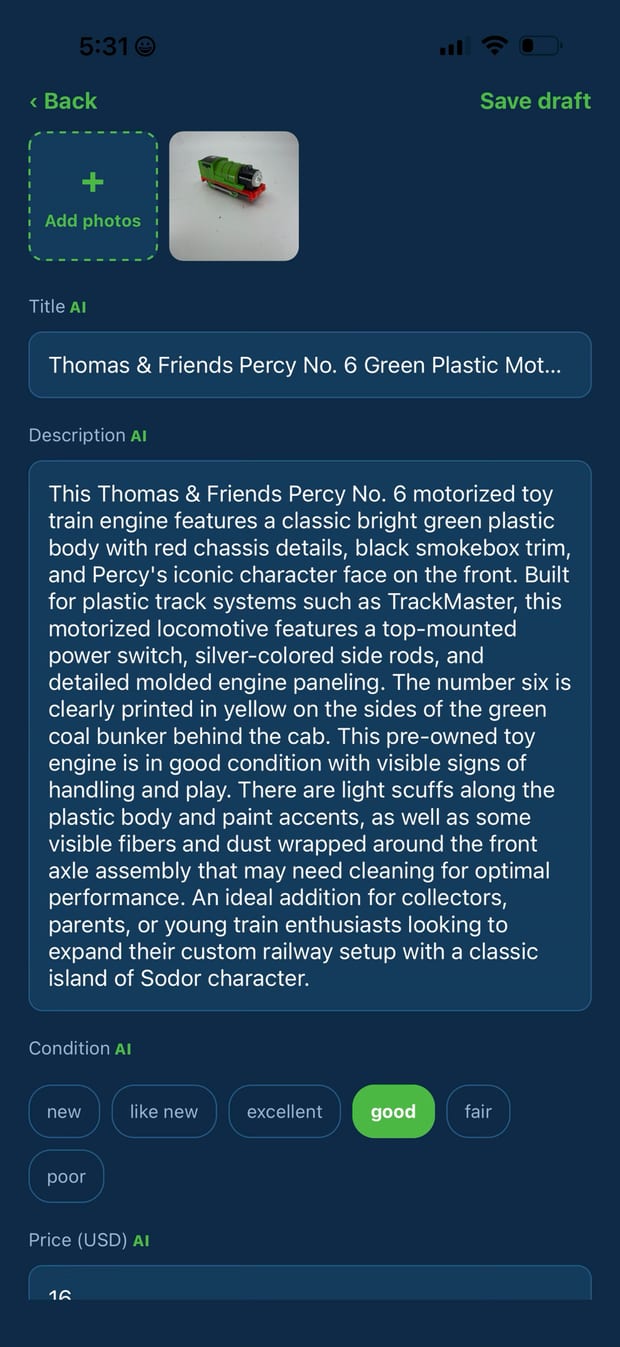
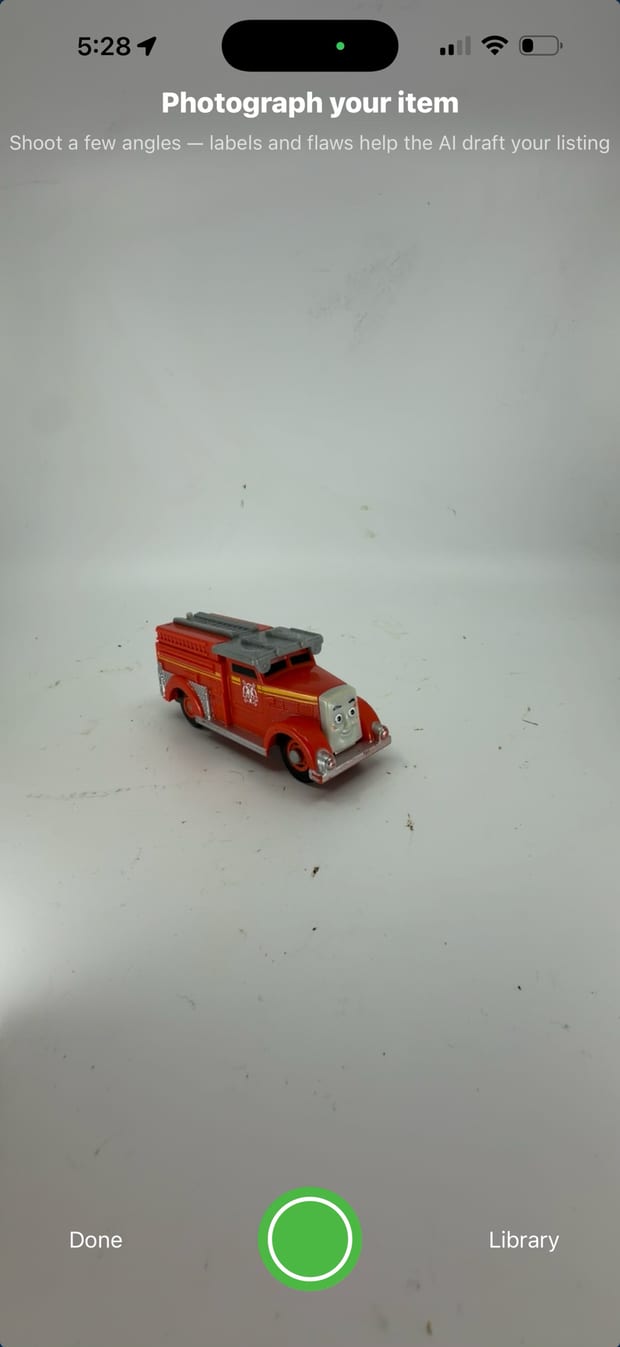
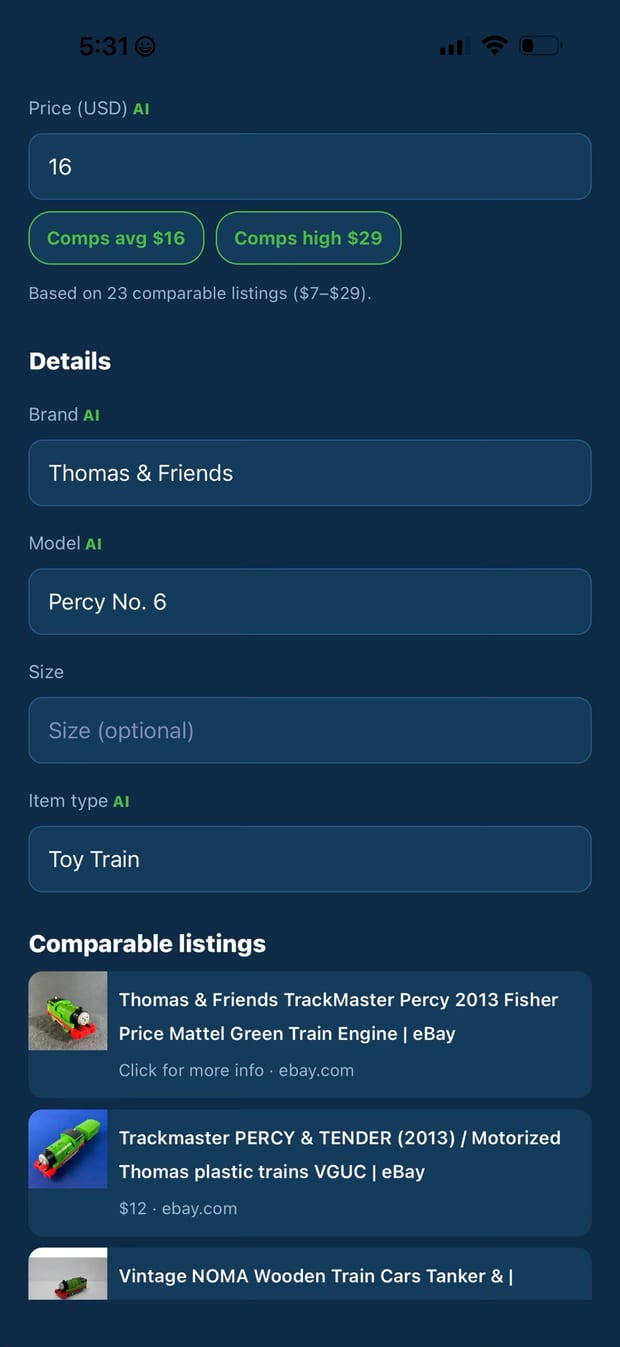
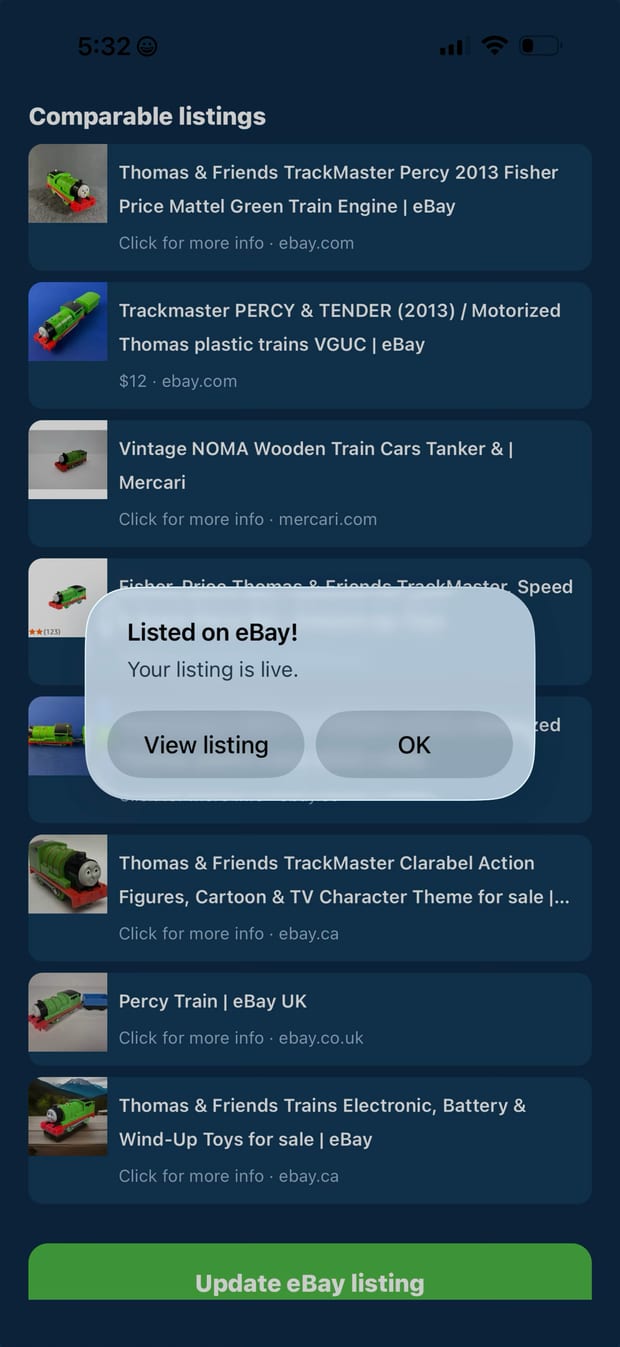
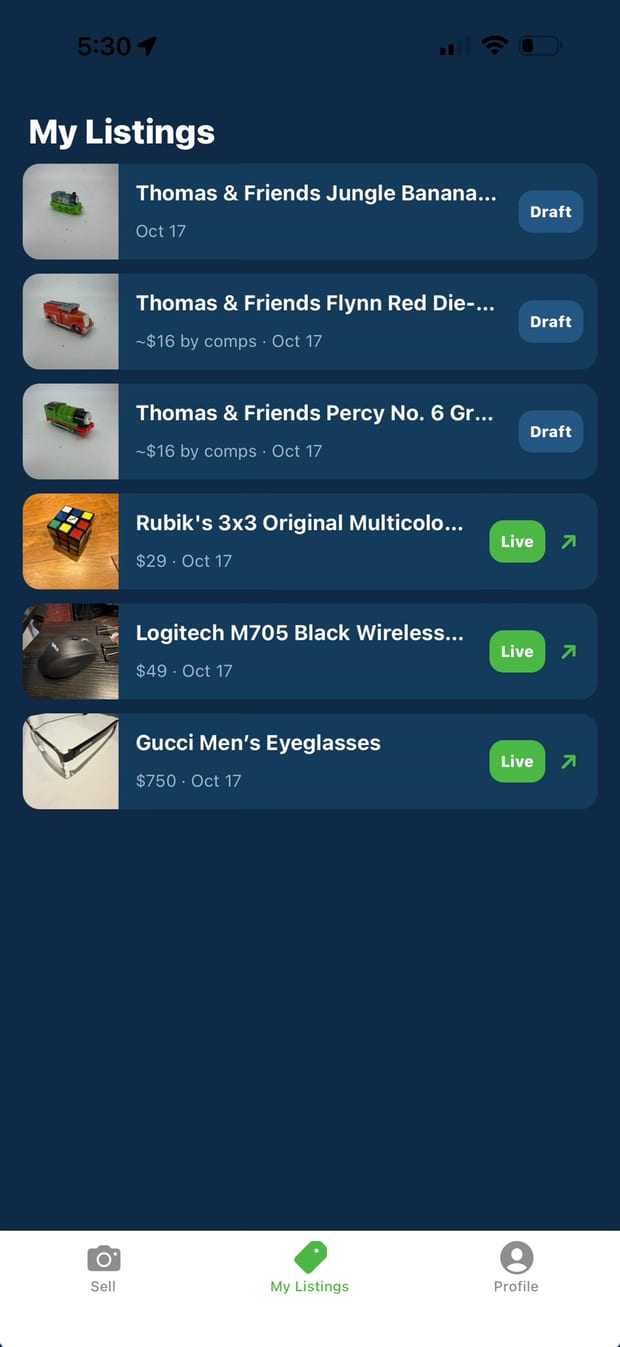
Real screens from the app, from the camera to a live eBay listing.
If you can take a picture, you can sell it.
Point your phone at the thing you want gone and shoot it from a few angles, right where it sits. That's your whole job.
It works out what the item is, writes the title and description, fills in the details eBay asks for, and prices it from what similar items are listed for.
Give it a glance, tap once, and it's live on your own eBay account. Change anything first if you want to. You never have to.
Selling online is a dozen small chores. You keep one of them.
You
Sell My Stuff AI
Really. The title, description, condition and item details are all written from your photos. If you'd like to add something the pictures can't show, like "comes with the original box," you can, but nothing is required.
It searches the web for items that look like yours and prices from what those are listed for. You'll see the number before anything goes live and can change it.
The kind of things that pile up at home: kitchen gear, electronics, tools, toys, décor, clothing, bags. It does best with items that have a recognizable shape or branding.
Yes, a US eBay account. You connect it once, so the listings, the buyers and the money are all yours. Never sold before? The app sets up the shipping, payment and return settings your listings need.
Anything, any time. Whatever you type replaces the app's version, and changes to a live listing go straight to eBay.
Open the item and tap Add photos. Take them right then or pick them from your library, and they're added to the live eBay listing in one tap. List fast now, add angles when someone asks.
Now. It's free on the App Store for iPhone in the United States.
Each account includes a monthly allowance of AI listing drafts and price checks. The app shows how many you have left.
Not yet. It's iPhone only for now, and it lists on eBay's US marketplace, so it's available in the United States.
 Sell My Stuff AI